Mobile App
Search for GPS Server application on Apple App store or Google Play Store
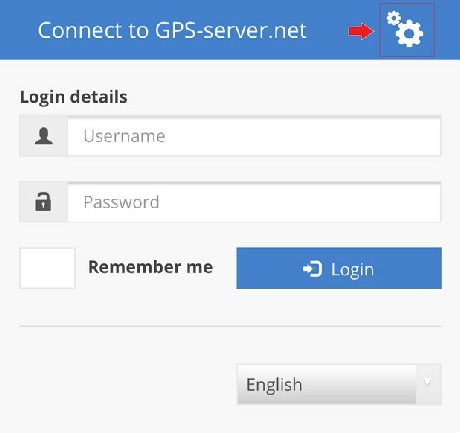
1. Open it. Press on two small cogs top right
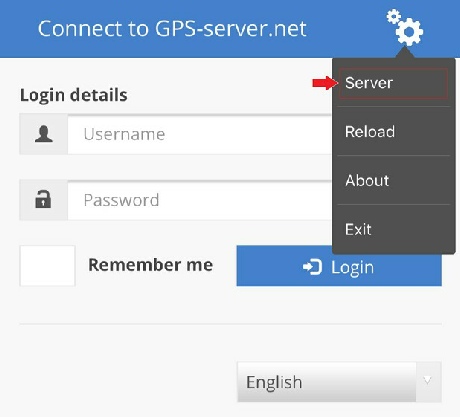
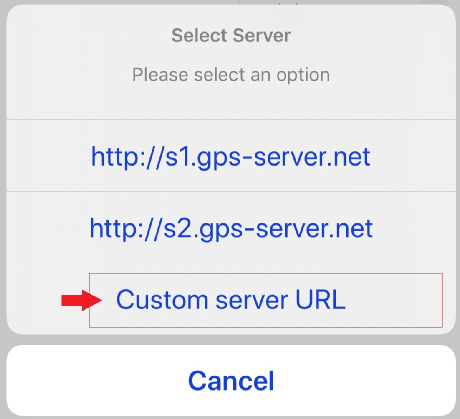
2. Select option: “Server”
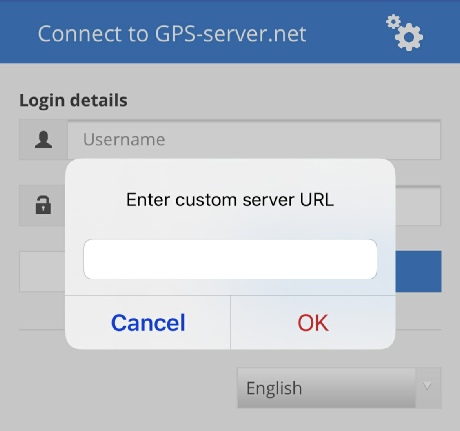
3. Select: Custom server URL
4. Input: https://live.fleetloc8.net
https://live.fleetloc8.net
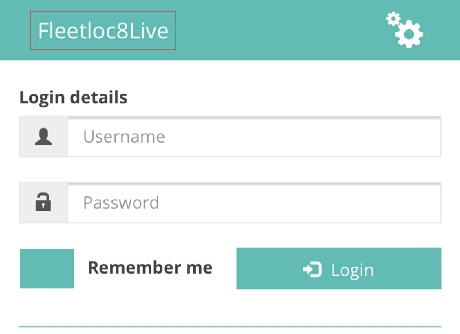
5. Successful connection will show “Fleetloc8” in green background
Input your credentials, tick “Remember me” and “Login”
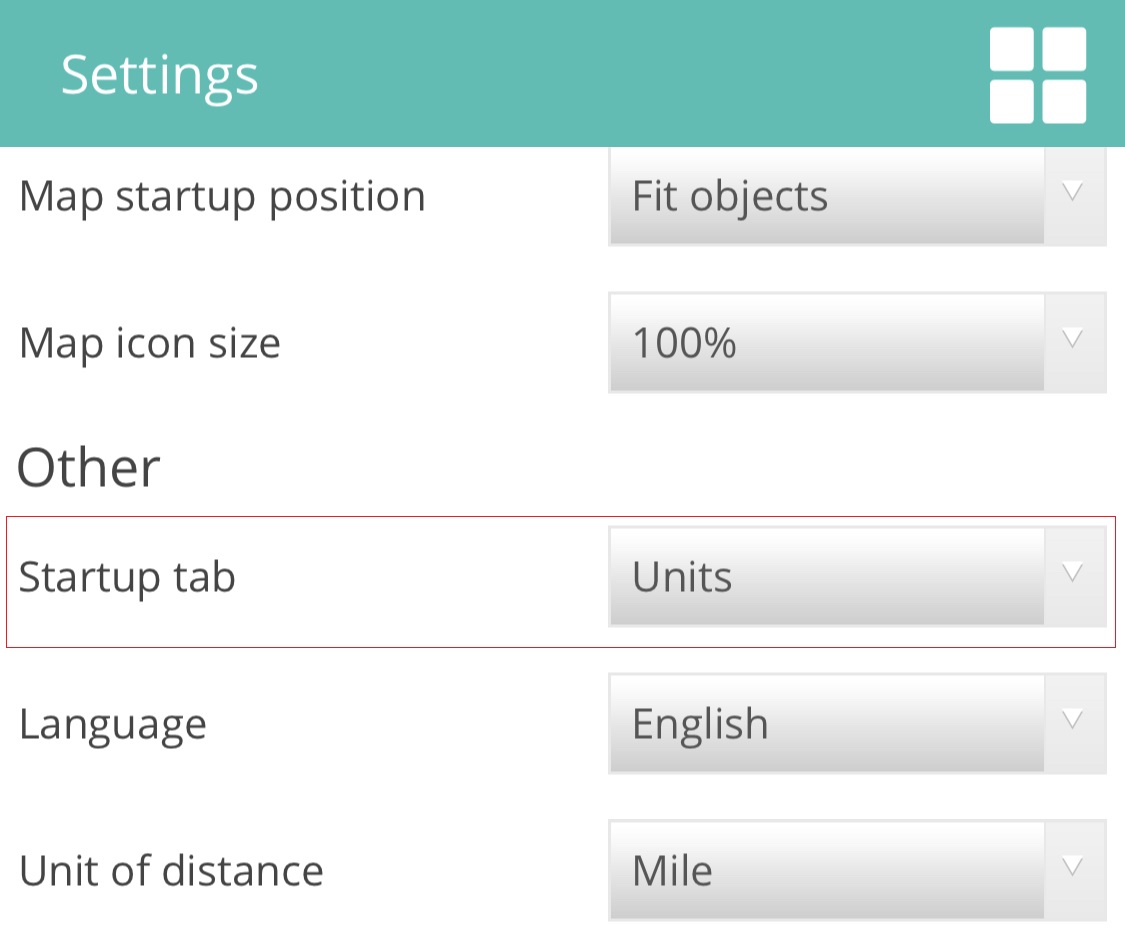
6. App starts with “Map” view by default, if preferred “Units” list: click Menu
Select Settings
Change in Startup tab “Map” to “Units” and “Save”
Scroll till bottom to save changes
Click Menu








 Startup tab “Map” to “Units” and “Save”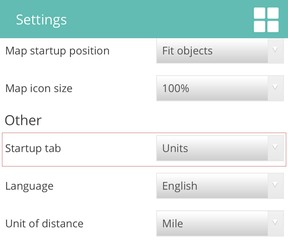

 SKIP SETUP & GO TO GUIDE
